

TradeStation VS NinjaTrader: Comparing Backtesting Software for Systematic Trading
If you’re serious about trading based on rules, not guesswork, the backtesting software you choose matters. So when it comes to TradeStation vs NinjaTrader, which one actually helps systematic traders build confidence, cut down on manual effort, and stay in control?
Short answer:
NinjaTrader is better suited for algorithmic futures trading and automation via C#.
TradeStation offers a more user-friendly scripting language (EasyLanguage) and broader market access (including stocks and options).
While both platforms offer useful features, they may not be the best fit for traders who prioritise full-portfolio backtesting and fast, iterative strategy development. That said, if you’re weighing up these two options, here’s how they compare across the key factors that matter most to systematic traders.
TradeStation VS NinjaTrader at a Glance
Short on time? Here’s how TradeStation VS NinjaTrader compare side by side.
|
Feature |
TradeStation |
NinjaTrader |
|
Year Founded |
1982 |
2003 |
|
Platform Compatibility |
Windows (Web/Mobile light) |
Windows (Web/Mobile light) |
|
Programming Language |
EasyLanguage (simplified scripting) |
NinjaScript (C#/.NET based) |
|
Integrated Brokerage |
Yes (stocks, options, futures, crypto) |
Yes (futures + options) |
|
Pricing |
Brokerage + subscriptions |
Free base, pay for advanced features |
|
Charting & Scanning |
Strong |
Moderate |
|
Automation |
Moderate |
Strong |
|
Community & Ecosystem |
Large |
Niche (futures-focused) |
Platform Overview, Cost & Compatibility
TradeStation has been around since the early ’80s. It started as a platform for system development and evolved into a full-service broker. It’s available for Windows with web and mobile platforms offering limited functionality.
NinjaTrader is newer, launched in 2003. While also Windows-based, it’s geared more toward futures and active intraday traders. You can run it on Mac using virtualization software like Parallels, but that setup adds technical friction – something that can become difficult to deal with.
Pricing-wise, NinjaTrader has the advantage if you want to experiment: their base platform is free, with additional cost for automation and advanced tools. TradeStation bundles access through brokerage commissions or subscriptions.
Verdict:
For beginners or those not trading futures exclusively, TradeStation is easier to get started with. If you’re automation-heavy and C# literate, NinjaTrader might fit better.
TradeStation Main View:

NinjaTrader Main View:

Market Access & Data Support in TradeStation VS NinjaTrader
TradeStation provides data and trading access for:
- Stocks (US)
- ETFs
- Options
- Futures
- Crypto (limited)
NinjaTrader supports:
- Futures (core focus)
- Forex (limited support)
- Options (via integration)
For multi-market traders like Jason, who want to expand across global stock markets, TradeStation is more versatile. However, data feed quality, latency, and historical depth vary – and both require separate paid feeds if you want premium data or historical tick data.
Verdict:
TradeStation wins for broader asset class support. NinjaTrader is best for focused futures traders.
TradeStation wins for broader asset class support. NinjaTrader is best for focused futures traders.
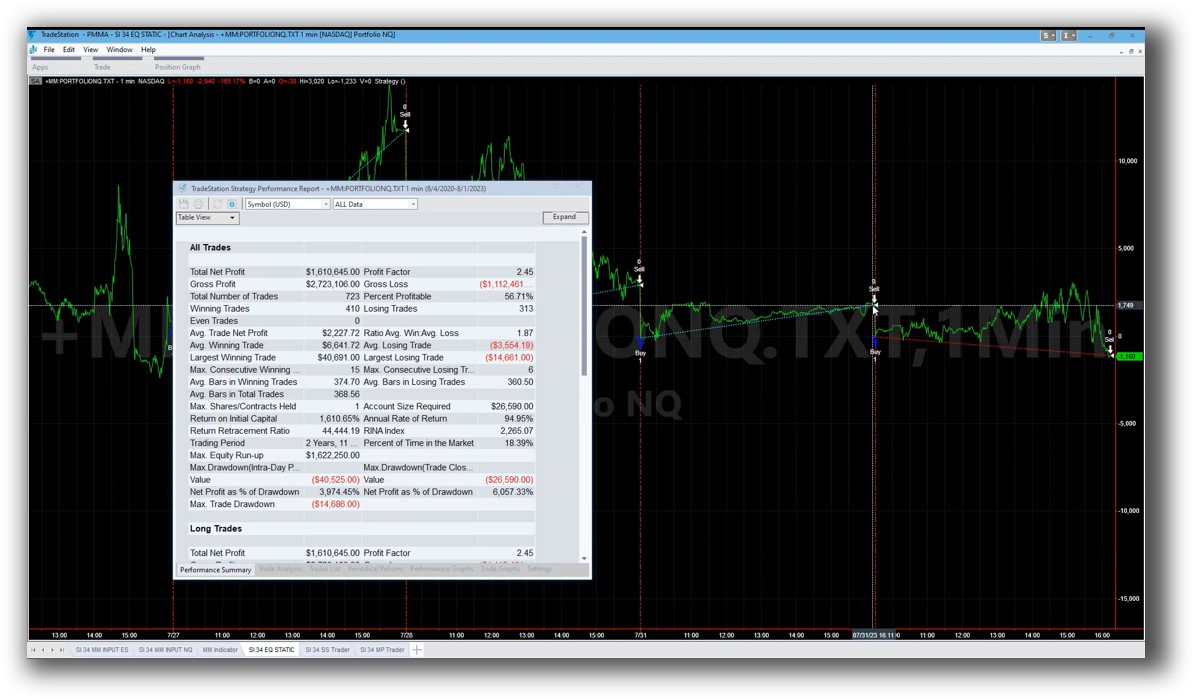
TradeStation Backtesting Interface:
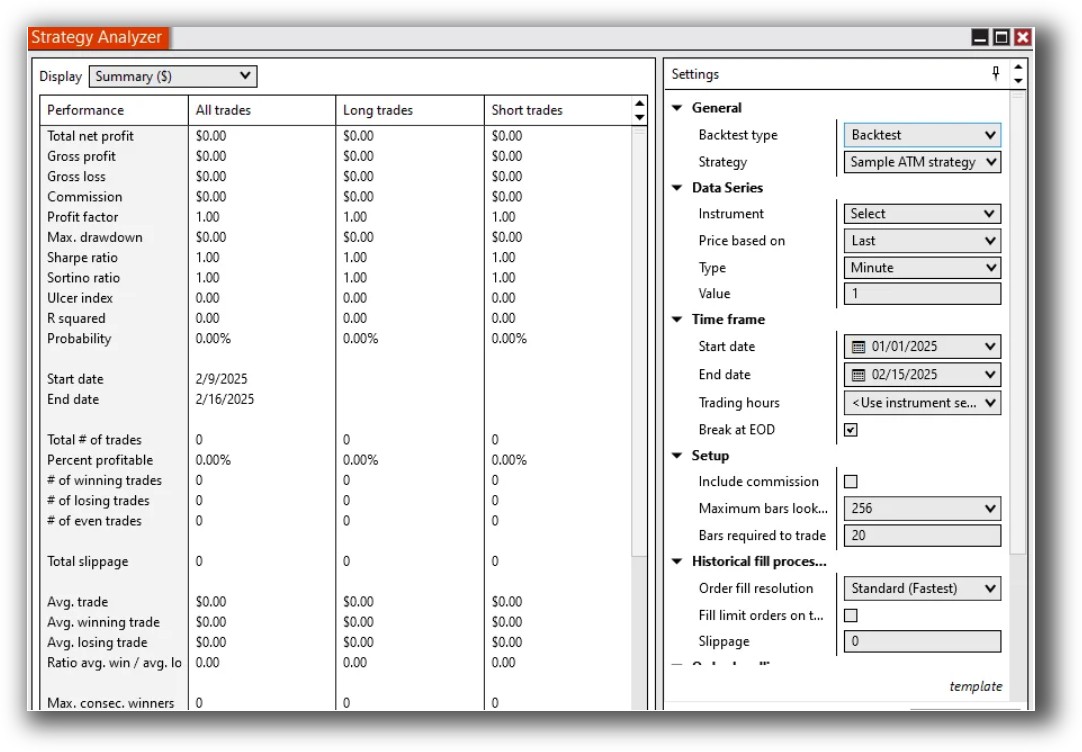
NinjaTrader Backtesting Interface:
Building & Customizing Trading Strategies
This is where many traders can become frustrated and hit a wall.
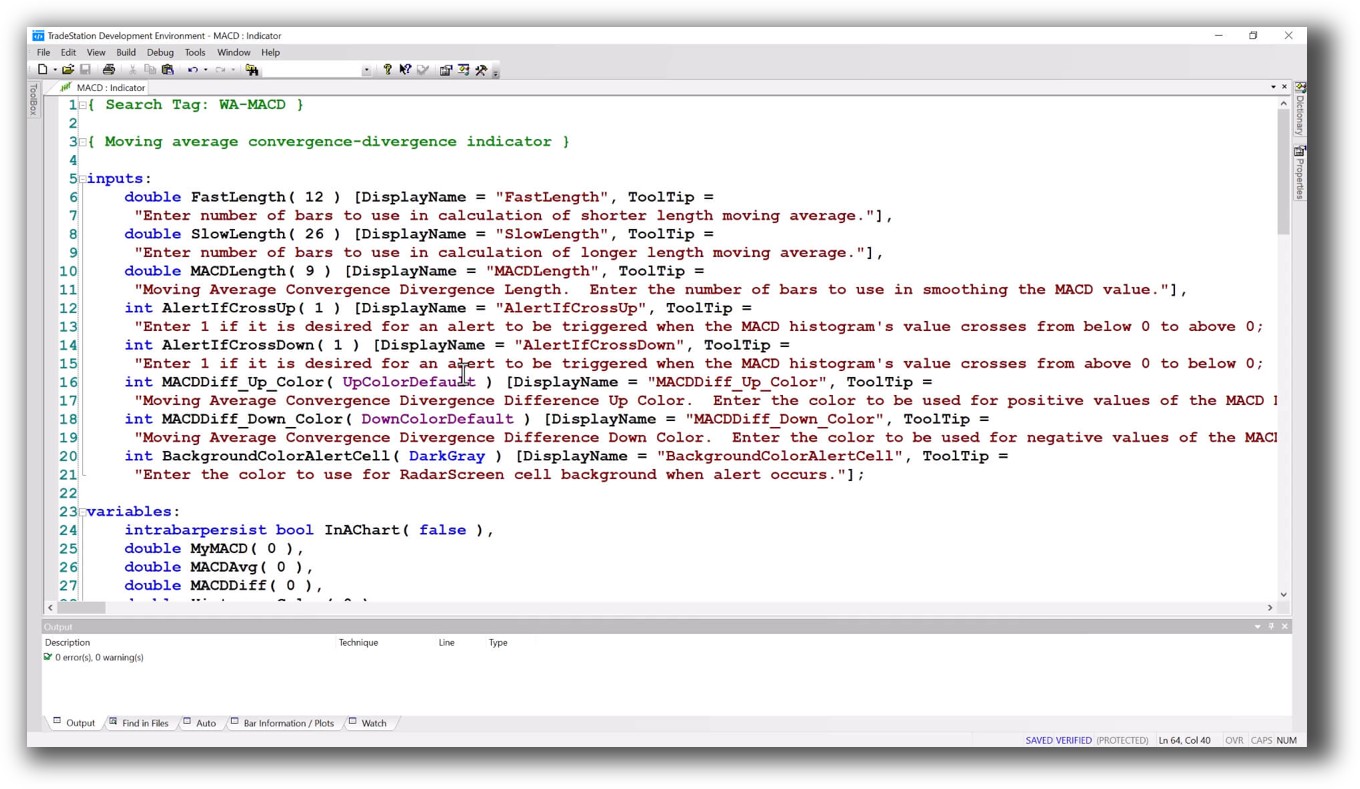
TradeStation uses EasyLanguage, which lives up to its name. It’s easier to learn for non-programmers. You can build, backtest, and deploy relatively quickly once you learn the structure.
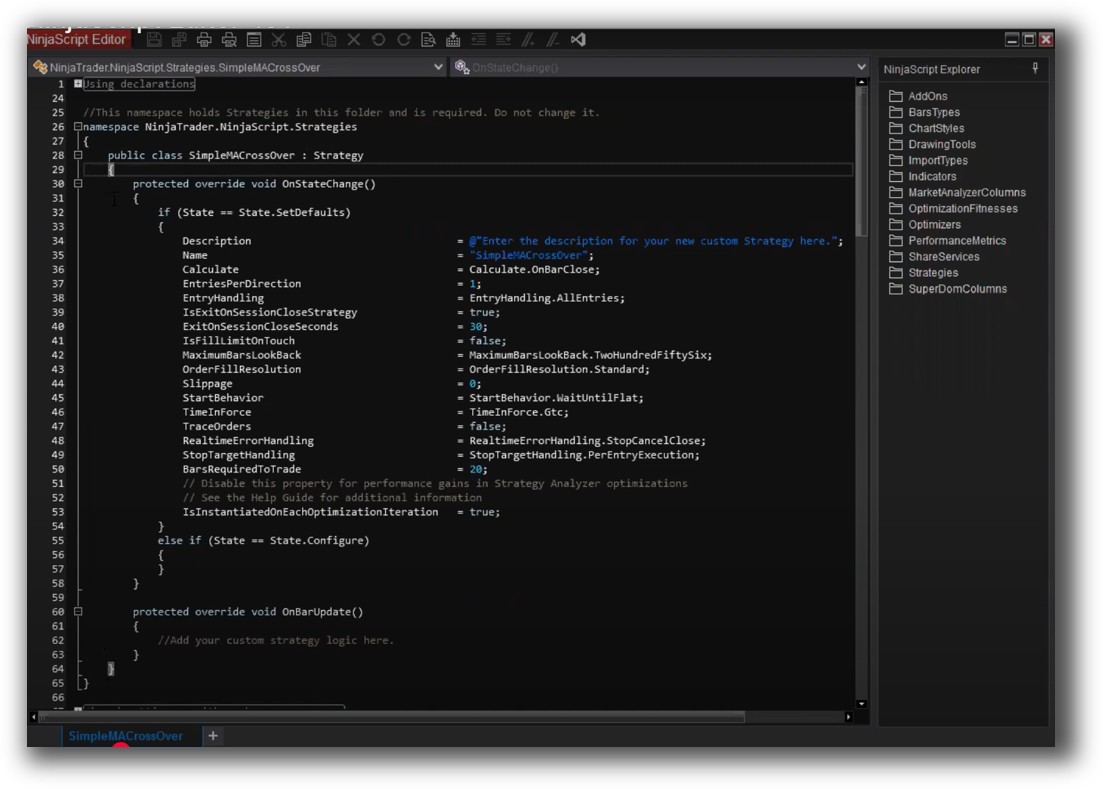
NinjaTrader relies on NinjaScript, which is a wrapper around C#. This means you get power and flexibility, but the learning curve is steep unless you already know .NET programming.
If you’ve got a full-time job and limited hours, steep syntax requirements aren’t a good use of time. You’re trying to build wealth, not become a full-stack developer.
Verdict:
TradeStation offers a smoother learning curve and faster idea-to-implementation cycle for non-developers.
Check Out: Trading System Development
TradeStation Code Editor:
NinjaTrader Code Editor (NinjaScript Editor):
Backtesting Performance, Speed & Realism
This is the critical section for systematic traders.
TradeStation and NinjaTrader both offer strategy testing features, but they fall short when it comes to:
- Portfolio-level backtesting (multiple systems across diversified assets)
- Realistic slippage, commissions, and execution modelling
- Speed of iteration and feedback loops
NinjaTrader allows replay and walk-forward testing, but portfolio simulation is limited and complex to set up. TradeStation is better for single-system testing and visual walk-throughs but can’t easily simulate diversified, multi-strategy portfolios without workarounds.
If you want to test across markets, systems, and asset types all in one engine – neither platform is optimal. For that, advanced traders often migrate to RealTest, which is purpose-built for systematic portfolio traders.
Verdict:
Neither is ideal for full-system traders. But TradeStation has better support for equities testing. NinjaTrader offers more flexibility for futures strategies.
Check out: Backtesting | Drawdown
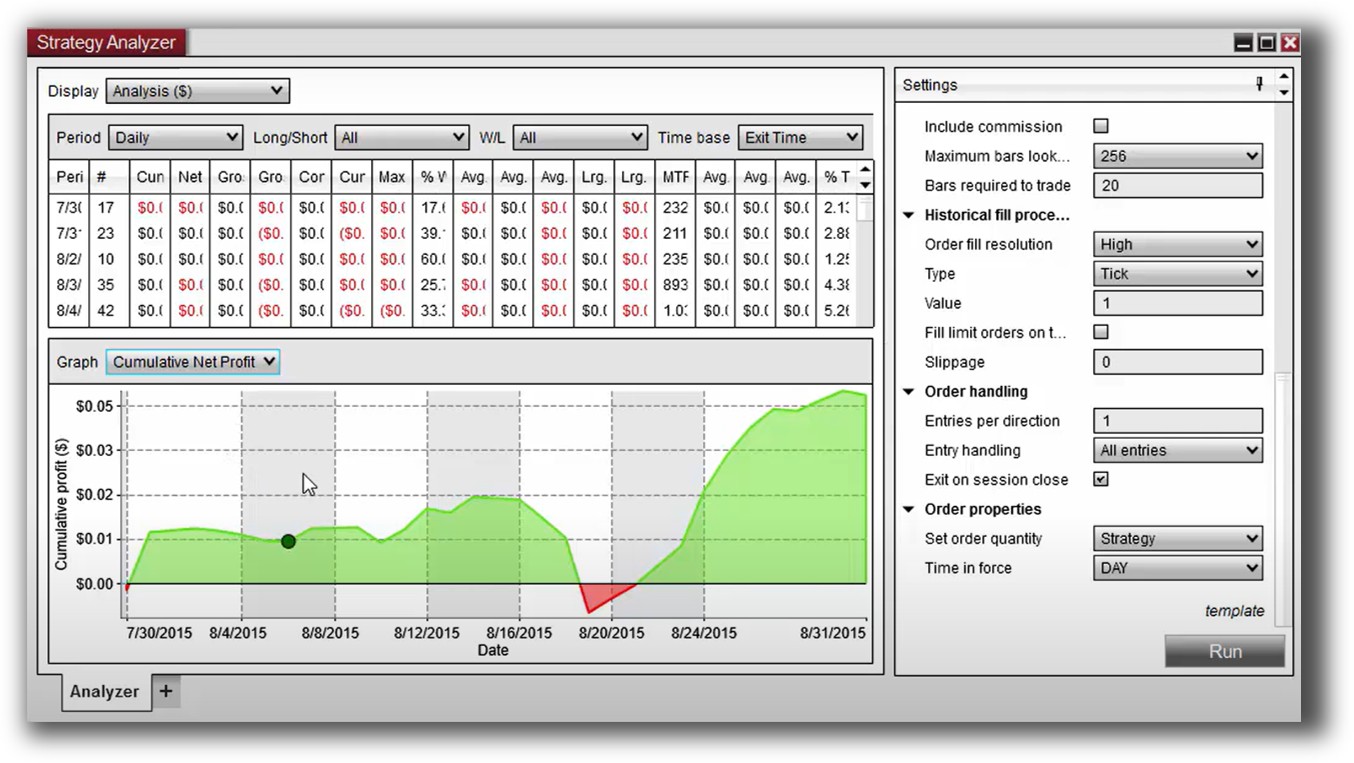
TradeStation Backtest Report:

NinjaTrader Backtest Report:
Strategy Optimization & Stress Testing Tools
Optimization is where curve-fitting risk explodes if you’re not careful.
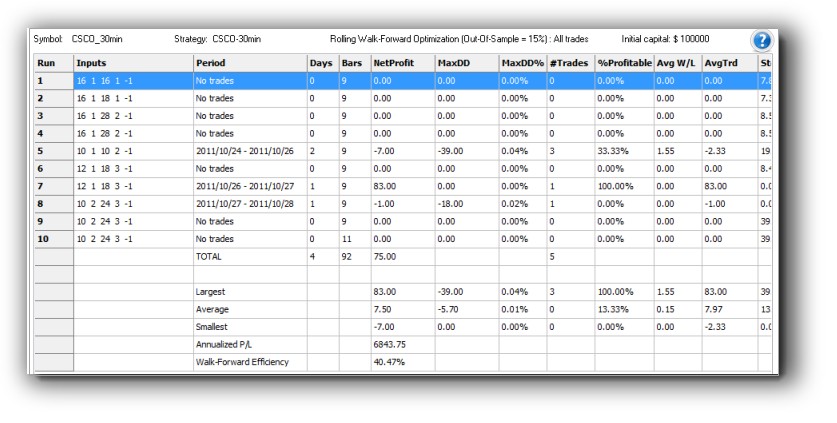
TradeStation includes built-in optimization tools with walk-forward analysis. It’s easy to tweak parameters and visually explore result spaces.
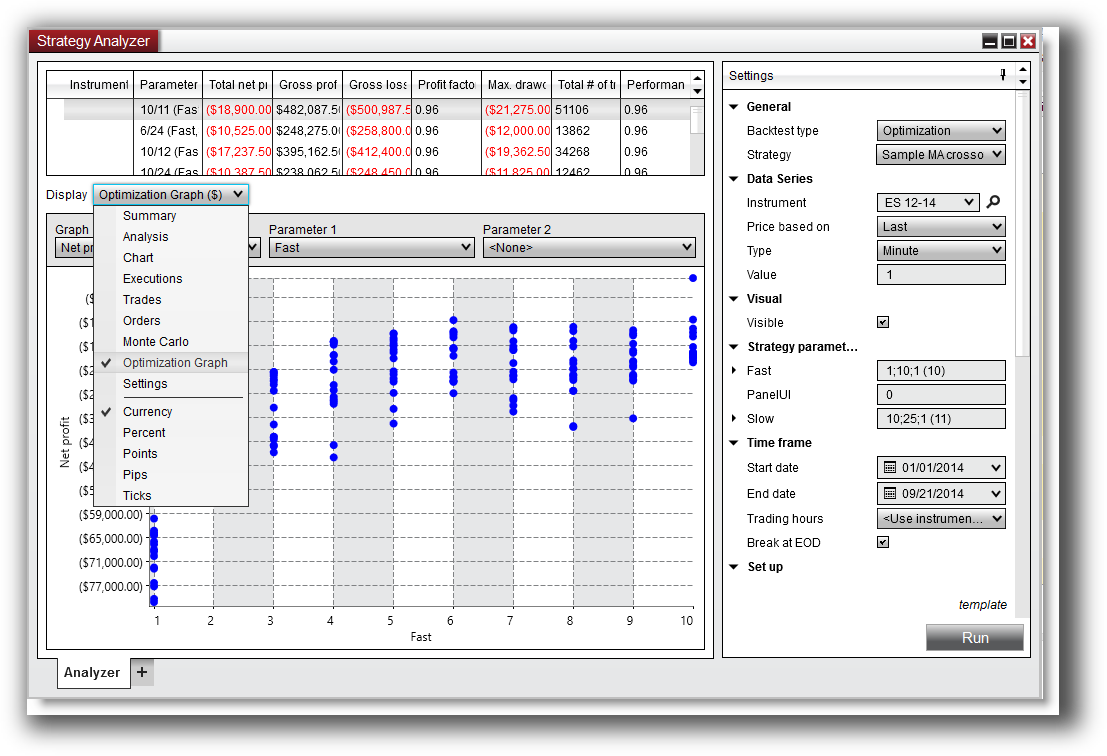
NinjaTrader also supports optimization, with greater control through C#. You can conduct brute-force testing or genetic algorithms, though setup is more complex.
Neither platform makes it intuitive to:
- Validate parameter stability
- Run robustness tests across multiple data slices
- Analyze strategy degradation over time
You’ll need discipline and experience to avoid fooling yourself. If you’re aiming for confidence, not just “pretty results,” these platforms require extra effort.
Verdict:
TradeStation is easier to use, but both platforms require care to avoid overfitting. Consider using tools like RealTest or supplementing with Excel-based walk-forward validation.
Check Out: Trading System Optimization
TradeStation Walk-Forward (Out-Of-Sample)
NinjaTrader Optimization Graph:
Charting Features, Signal Exploration & Live Execution
TradeStation shines in charting and scanning. If you’re visual and like to overlay signals on price action, its platform is robust and customisable.
NinjaTrader is decent, but more functional than visual. It’s tailored more for intraday execution than elegant chart setups.
In terms of execution:
- Both platforms support semi-automated and fully automated strategies
- NinjaTrader excels in futures trade automation with tight integration
- TradeStation is smoother for equity-based system trading with less coding required
Verdict:
TradeStation for scanning and charts. NinjaTrader for automation-heavy futures execution.
Check Out Order Types | Automated Trading Systems
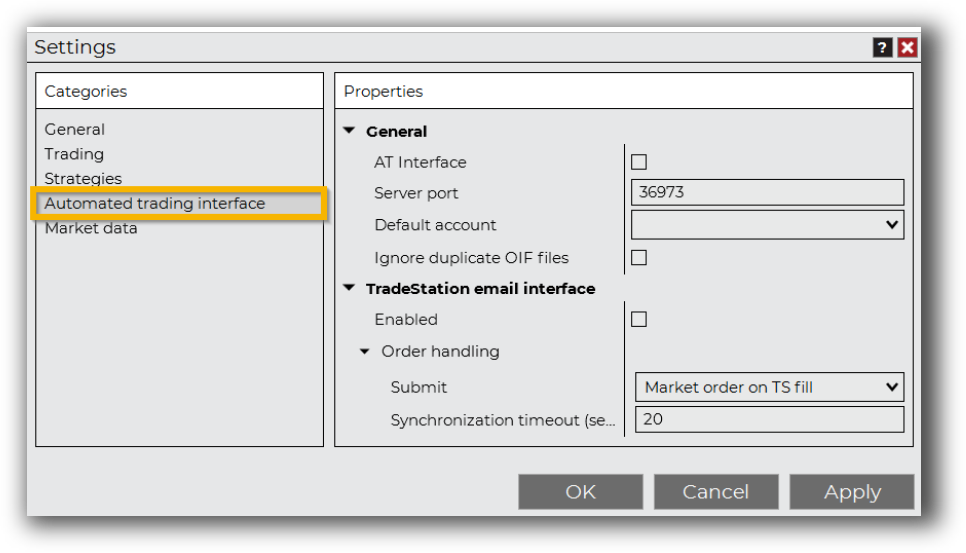
TradeStation Automation Set Up (Format Strategies)
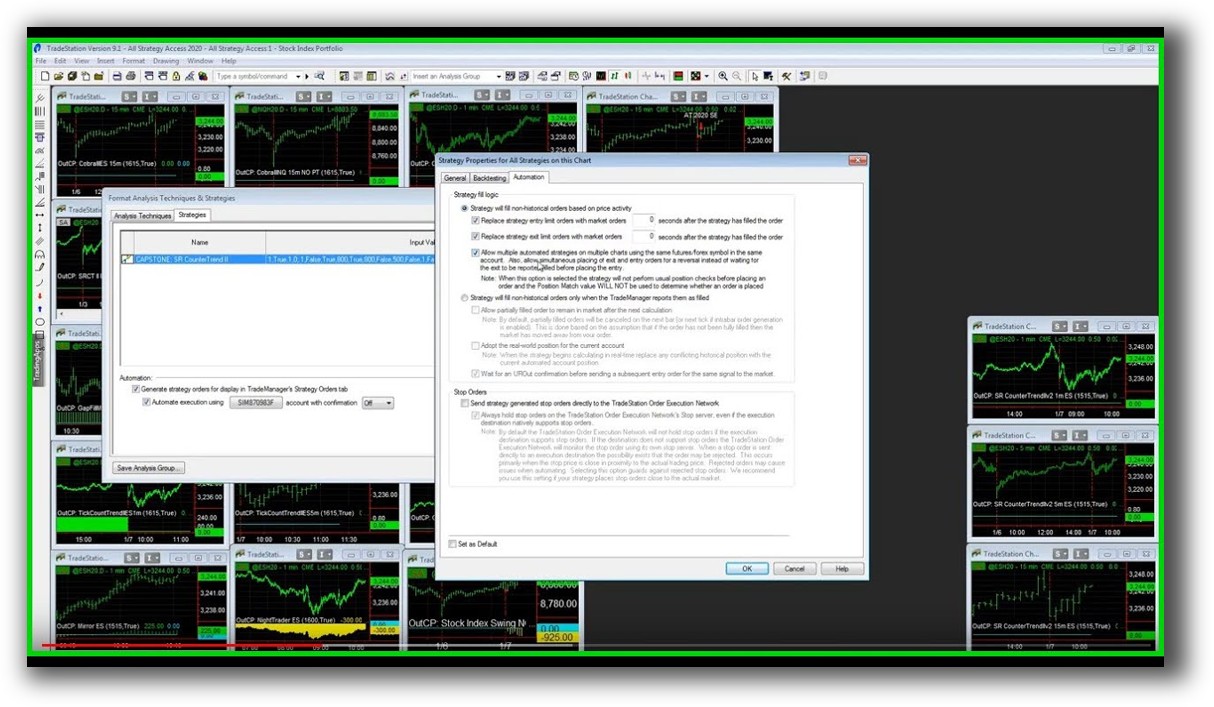
NinjaTrader Automation Set Up:
Support, Documentation & Learning Resources
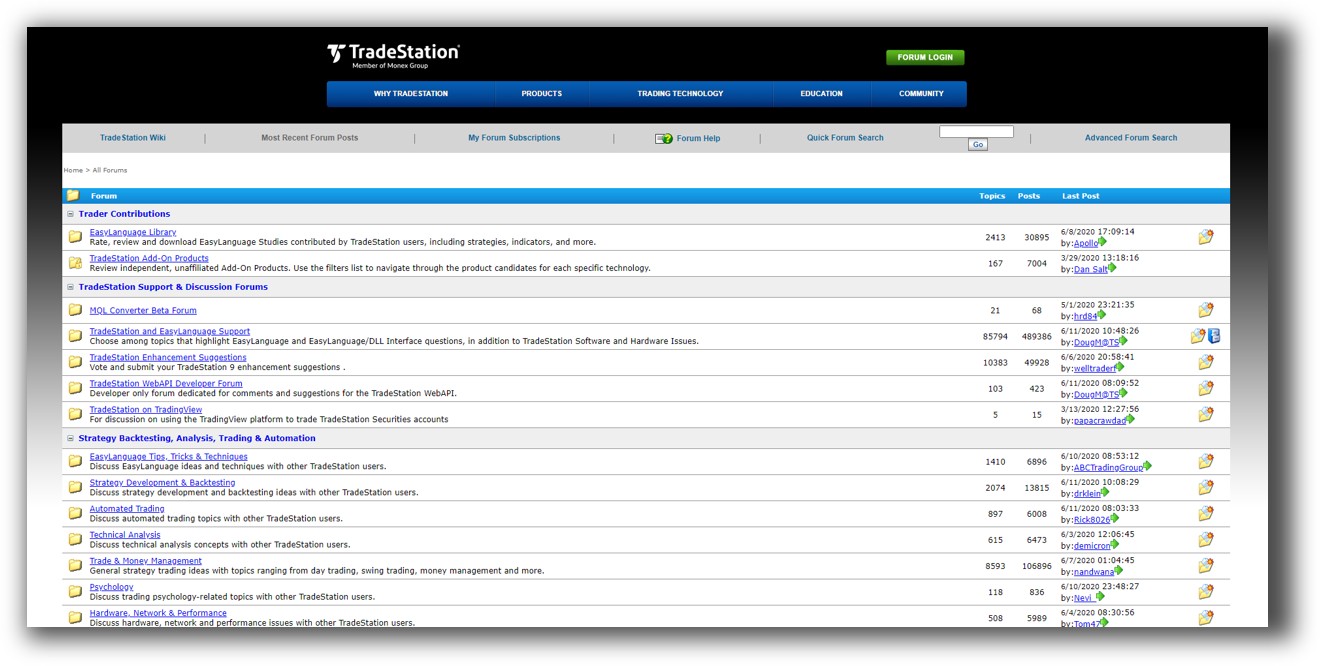
TradeStation has a vast knowledge base, forums, and video tutorials. But the documentation feels dated in places. Some gaps are bridged by user communities and third-party courses.
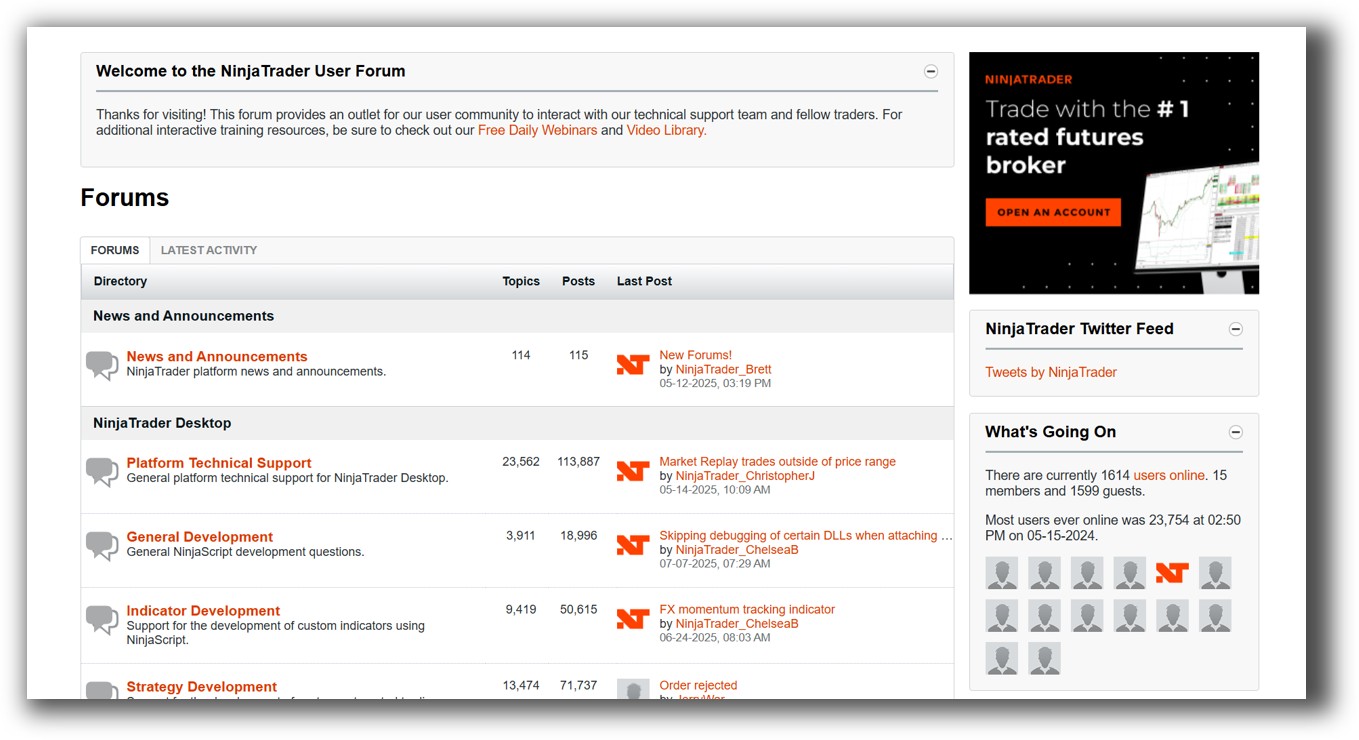
NinjaTrader offers technical docs, a developer forum, and decent customer support – but assumes you already understand C# or want to dive deep.
Compare this to RealTest, which has streamlined documentation written specifically for systematic traders – clean, fast, and to the point.
Verdict:
TradeStation is more beginner-friendly. NinjaTrader has better support for coders.
TradeStation Forum is illustrated down below:
NinjaTrader Forum is illustrated down below:
TradeStation VS NinjaTrader: Which One Should You Use?
If you’re trying to build and test simple trading systems, scan markets, and run equity-based strategies, TradeStation is your better bet.
If you’re a developer or futures trader wanting to automate and deploy complex strategies, NinjaTrader is a stronger platform.
But… if your goal is to trade multiple systems across diversified markets with high confidence and realistic execution simulation, both tools fall short.
Our Recommendation
Start with TradeStation if:
- You want an easier entry point
- You trade stocks and options
- You prefer visual tools and built-in scanning
Use NinjaTrader if:
- You’re focused on futures
- You want tight execution control
- You’re comfortable coding in C#
If you’re ready to take the next step toward full systematic trading confidence, it’s worth considering RealTest or graduating to The Trader Success System for a complete path to professional-grade strategy development, validation, and execution.
Want The Rest of the Puzzle?
Backtesting software is just one piece. The real transformation happens when you align your tools, your systems, and your psychology with your goals.
If you’re tired of chasing tips and want to build wealth systematically, the next step is clear: The Trader Success System.
Inside, you’ll discover:
- Proven trading systems
- A step-by-step backtesting framework
- Position sizing tools
- Automation strategies that let you trade in 30 minutes or less
Trading and Backtesting Software Review List
- RealTest vs Amibroker
- RealTest VS TradeStation
- RealTest VS NinjaTrader
- RealTest VS MultiCharts
- RealTest VS Wealth-Lab
- RealTest VS Beyond Charts
- RealTest VS Optuma
- RealTest VS TradingView
- RealTest VS MetaTrader 4 (MT4)
- RealTest VS MetaTrader 5 (MT5)
- AmiBroker VS TradeStation
- AmiBroker VS NinjaTrader
- AmiBroker VS MultiCharts
- AmiBroker VS Wealth-Lab
- AmiBroker VS Beyond Charts
- AmiBroker VS Optuma
- AmiBroker VS TradingView
- AmiBroker VS MetaTrader 4 (MT4)
- AmiBroker VS MetaTrader 5 (MT5)
- TradeStation VS NinjaTrader
- TradeStation VS MultiCharts
- TradeStation VS Wealth-Lab
- TradeStation VS Beyond Charts
- TradeStation VS Optuma
- TradeStation VS TradingView
- TradeStation VS MetaTrader 4 (MT4)
- TradeStation VS MetaTrader 5 (MT5)
- NinjaTrader VS MultiCharts
- NinjaTrader VS Wealth-Lab
- NinjaTrader VS Beyond Charts
- NinjaTrader VS Optuma
- NinjaTrader VS TradingView
- NinjaTrader VS MetaTrader 4 (MT4)
- NinjaTrader VS MetaTrader 5 (MT5)
- MultiCharts VS Wealth-Lab
- MultiCharts VS Beyond Charts
- MultiCharts VS Optuma
- MultiCharts VS TradingView
- MultiCharts VS MetaTrader 4 (MT4)
- MultiCharts VS MetaTrader 5 (MT5)
- Wealth-Lab VS Beyond Charts
- Wealth-Lab VS Optuma
- Wealth-Lab VS TradingView
- Wealth-Lab VS MetaTrader 4 (MT4)
- Wealth-Lab VS MetaTrader 5 (MT5)
- Beyond Charts VS Optuma
- Beyond Charts VS TradingView
- Beyond Charts VS MetaTrader 4 (MT4)
- Beyond Charts VS MetaTrader 5 (MT5)
- Optuma VS TradingView
- Optuma VS MetaTrader 4 (MT4)
- Optuma VS MetaTrader 5 (MT5)
- TradingView VS MetaTrader 4 (MT4)
- TradingView VS MetaTrader 5 (MT5)
- MetaTrader 4 (MT4) VS MetaTrader 5 (MT5)


