Wealth-Lab VS Optuma: Comparing Backtesting Software for Systematic Trading
Wealth-Lab offers deeper capabilities for system development, portfolio-level backtesting, and trading automation. It’s better suited to traders who want to design, test, and execute trading systems with confidence and precision. Optuma, on the other hand, shines as a visual analysis platform with strong technical analysis and institutional-grade charting, but it falls short when it comes to realistic simulation and automation.
Let’s break this down section-by-section so you can make an informed decision.
Wealth-Lab VS Optuma at a Glance:
Short on time? Here’s how Wealth-Lab VS Optuma compare side by side.
|
Category |
Wealth-Lab |
Optuma |
|
OS Compatibility |
Windows only |
Windows; Web available via Citrix |
|
Programming Language |
C# (.NET), drag & drop builder |
Optuma Script (proprietary) |
|
Charting |
Functional |
Advanced, institutional-grade |
|
Backtesting Engine |
Realistic, portfolio-level |
Single-symbol focus, limited realism |
|
Automation |
Via extensions, moderate complexity |
Some automation; limited execution features |
|
Optimization & Monte Carlo |
Built-in, fast |
Available in higher tiers |
|
Cost (Entry-Level) |
~$299.95/year |
~$810/year (Trader tier) |
|
Support |
Active forum, documentation, video tutorials |
Limited docs, more institutional focus |
|
Mac Compatibility |
Via Parallels / VM (not native) |
Via Parallels / VM (not native) |
|
Documentation |
Active and detailed |
Outdated and limited |
Platform Overview, Cost & Compatibility
Wealth-Lab runs on Windows and requires .NET. It’s built for systematic retail traders who want to design and test their own trading strategies using either C# or a visual drag-and-drop interface. Entry pricing is relatively affordable at ~$300/year.
Optuma also runs on Windows but offers cloud access via Citrix. It’s a visual analytics platform geared towards institutional users and technical analysts. The pricing is steeper – starting from ~$810/year – and it scales up rapidly depending on feature requirements.
Mac Compatibility? Neither runs natively on macOS, but both can be used on Mac via Parallels or Bootcamp. Wine is not recommended due to complexity and instability.
Wealth-Lab Main View:
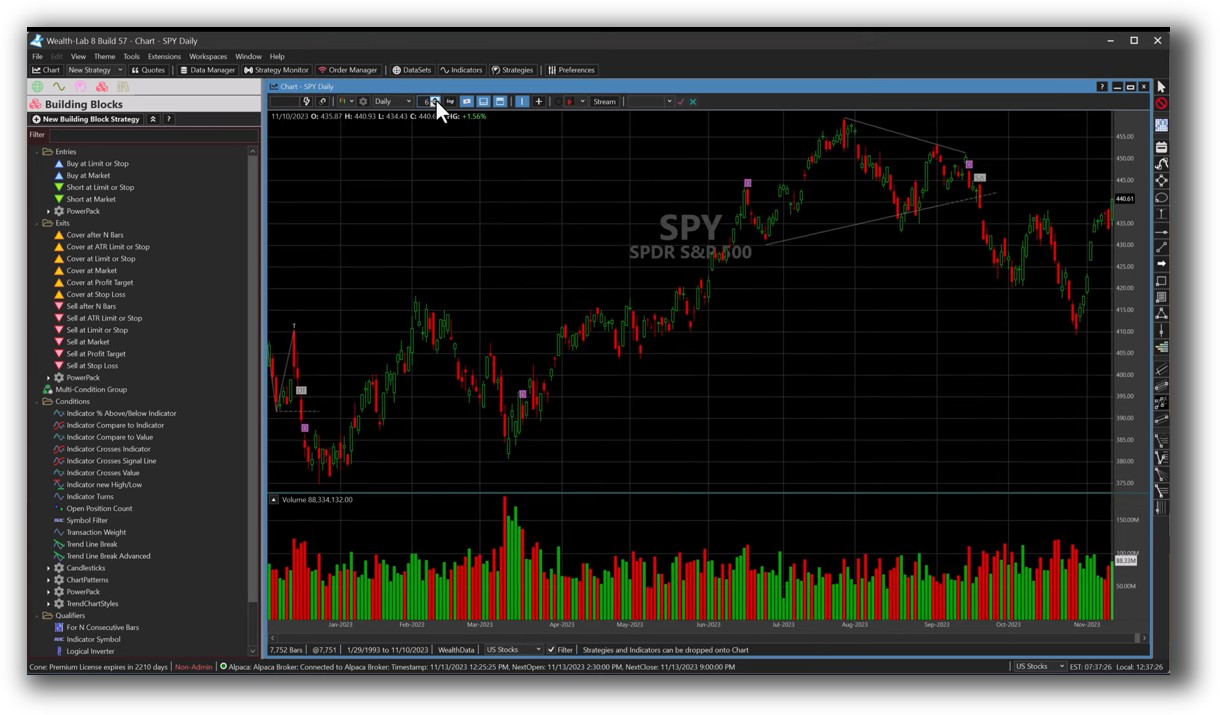
Optuma Main View:

Market Access & Data Support in Wealth-Lab VS Optuma
Wealth-Lab supports data connections via extensions to providers like Norgate, Yahoo, and Interactive Brokers. It also handles intraday and EOD data, giving flexibility for both short-term and long-term system development.
Optuma integrates with Bloomberg and Norgate (Pro version), and supports high-end institutional data formats. While that sounds impressive, it may be overkill (and over-budget) for most systematic traders focused on backtesting.
Unless you’re managing institutional-level data, Wealth-Lab’s more practical integration approach is usually sufficient
Wealth-Lab Backtesting Interface:
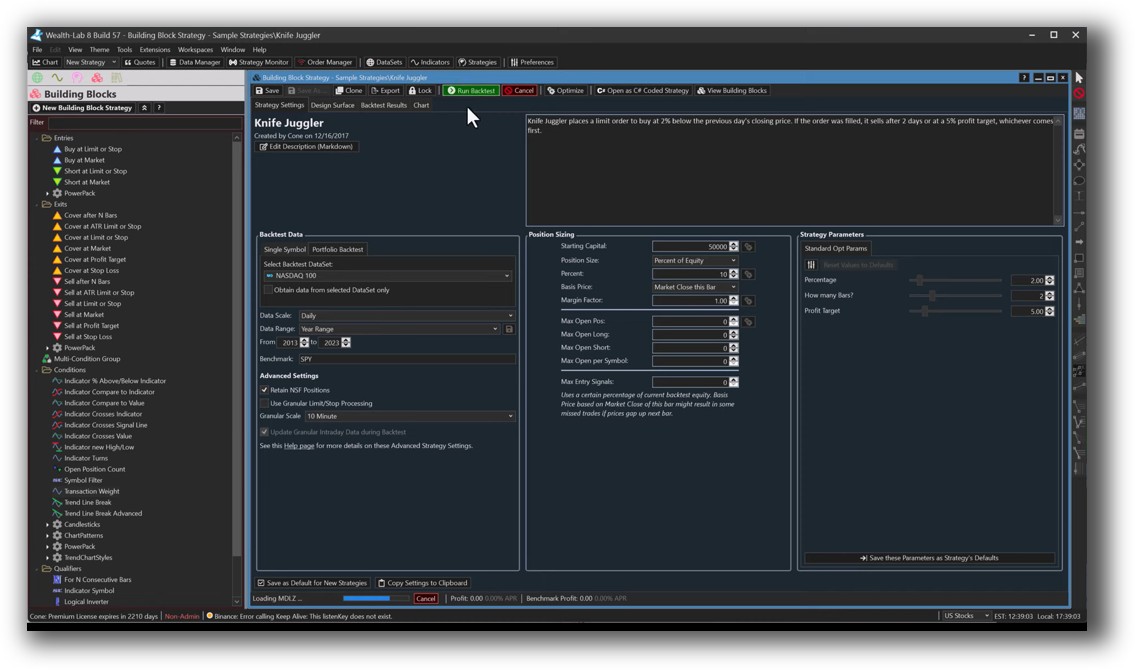
Optuma Backtesting Interface:

Building & Customizing Trading Strategies
Wealth-Lab gives you two ways to develop systems: a visual builder or C# scripting via WealthScript. This dual-mode approach is ideal for both beginners and experienced coders. You can build and test systems logically, then scale into full-blown automation.
Optuma uses a proprietary language called OSL. While powerful, it has a steeper learning curve and lacks the flexibility and community support that comes with mainstream languages like C#.
For efficient trading system development, Wealth-Lab offers a smoother on-ramp.
Check Out: Trading System Development
Wealth-Lab Code Editor:
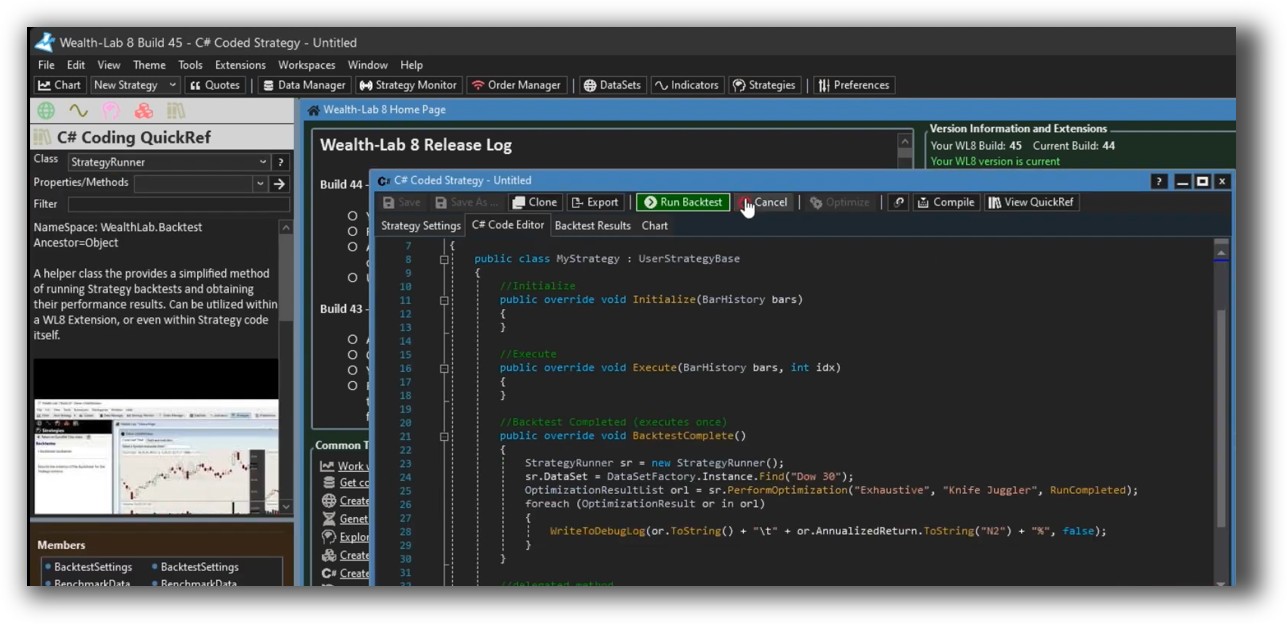
Optuma Code Editor:

Backtesting Performance, Speed & Realism
This is where Wealth-Lab separates itself.
It supports:
- Realistic slippage, commission, and position-sizing
- Multi-symbol backtesting
- Rebalancing and portfolio-level logic
- Event-based simulation for signals and orders
Optuma, by contrast, is mostly limited to single-symbol testing. Portfolio-level simulation is very limited unless you upgrade to the most expensive plans. Even then, it’s not built from the ground up for this purpose.
If you’re building systems to test realistic position sizing, manage exposure, and evaluate drawdowns – Wealth-Lab gives you the tools to do it properly.
Check out: Backtesting | Drawdown
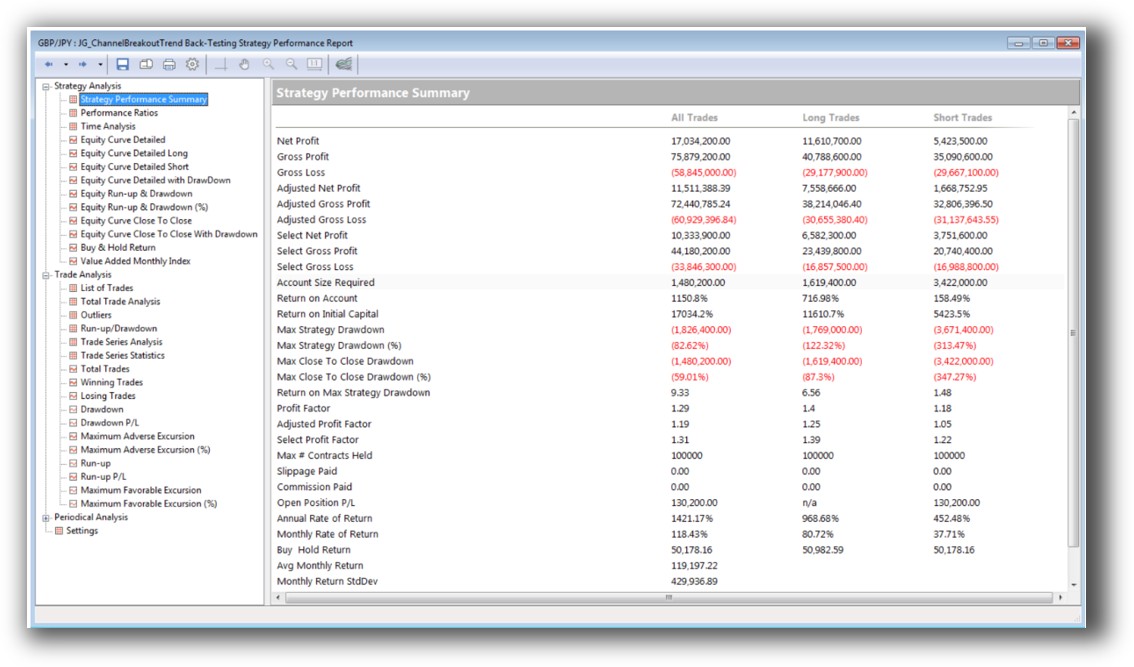
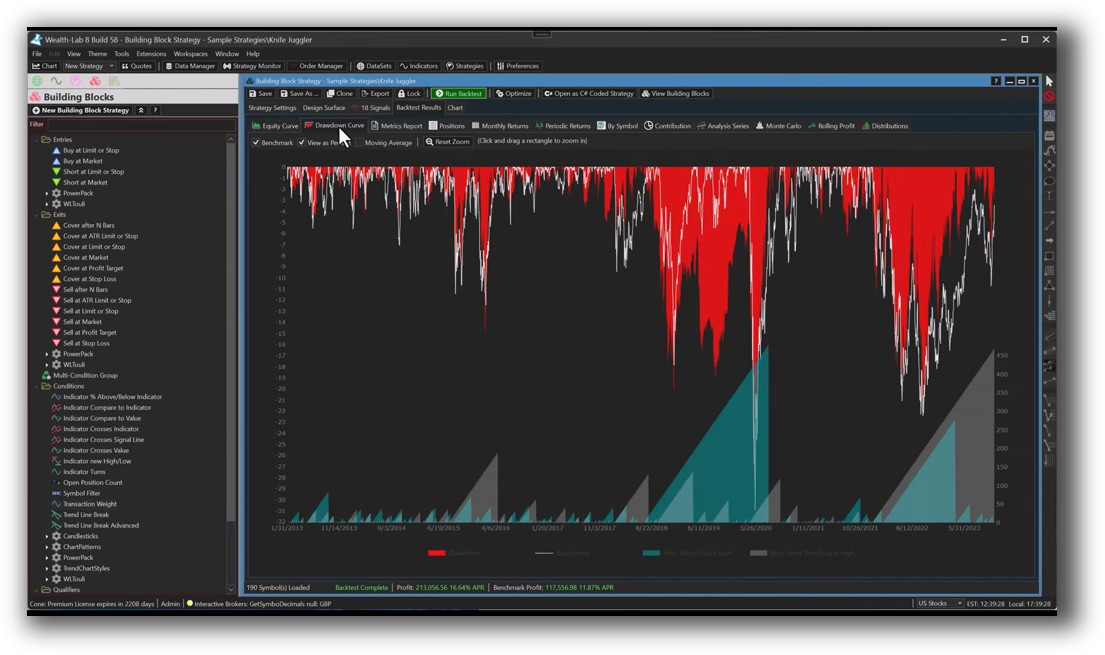
Wealth-Lab Backtest Report:
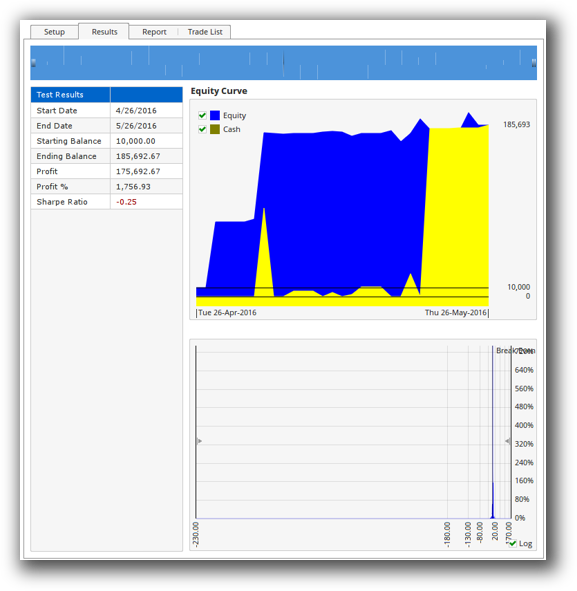
Optuma Backtest Report:
Strategy Optimization & Stress Testing Tools
Wealth-Lab supports:
- Parameter optimization
- Monte Carlo analysis
- Walk-forward testing
- Strategy scoring based on custom metrics
Optuma offers optimization in higher tiers, but documentation is sparse, and reports are less intuitive. RealTest (preferred platform at EST) still leads the pack for robustness testing and speed, but between Wealth-Lab and Optuma, Wealth-Lab takes this round too.
This step is essential to avoid curve fitting and ensure your systems survive in live trading.
Check Out: Trading System Optimization
Wealth-Lab Walk-Forward Optimization:

Charting Features, Signal Exploration & Live Execution
Charting: Optuma is the clear winner here. It offers high-end institutional charting, incredible visual tools, and layout customisation. If you’re a technical analyst or portfolio manager who needs to present data to clients, this matters.
Scanning: Wealth-Lab’s scanning is functional and integrates directly with system logic. Optuma has visual scanning workflows but they’re not as tightly connected to trading system outputs.
Execution: Wealth-Lab connects with Interactive Brokers and Tradier. Execution is semi-automated via scripts or the Strategy Monitor. Optuma supports IB execution in higher tiers but is not built around automation.
Bottom line: if your priority is automation, Wealth-Lab has the edge. If you’re chart-heavy and presentation matters, Optuma might appeal more.
Check Out Order Types | Automated Trading Systems
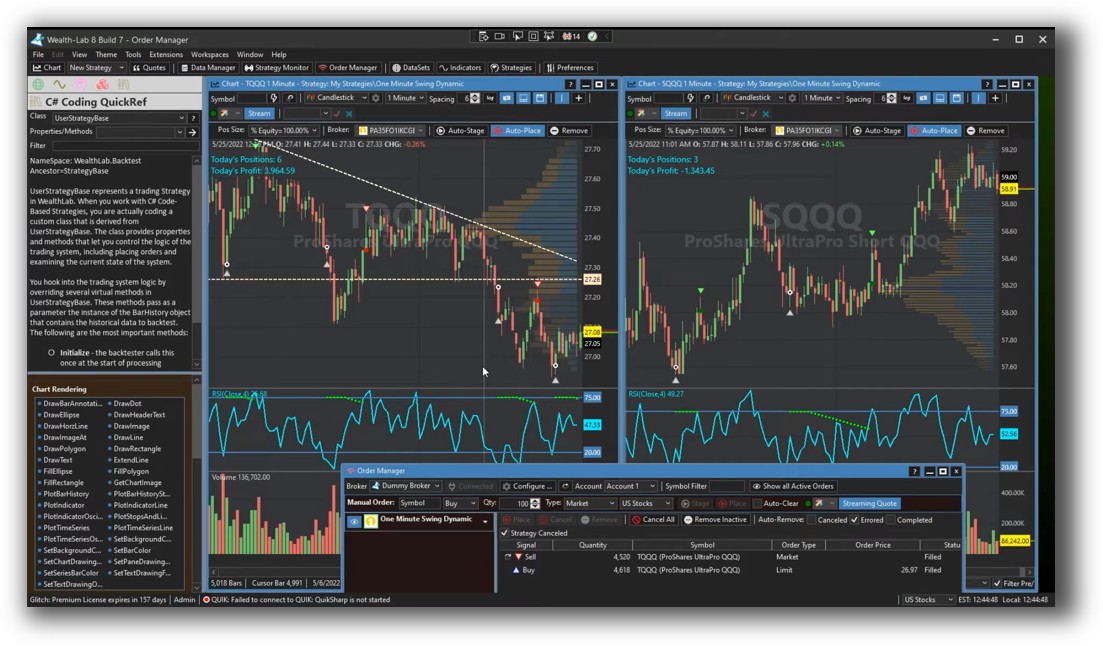
Wealth-Lab Automation Set Up:
Optuma Automation Set Up:

Support, Documentation & Learning Resources
Wealth-Lab has a long history, active forums, and a growing library of tutorials. There’s a steep learning curve for scripting, but the support is there.
Optuma’s documentation is harder to navigate, and much of it assumes a financial institution use case. It’s polished, but not designed for self-taught retail traders.
Compared to both, RealTest offers clearer, more modern documentation, faster learning, and more logical workflows for systematic development.
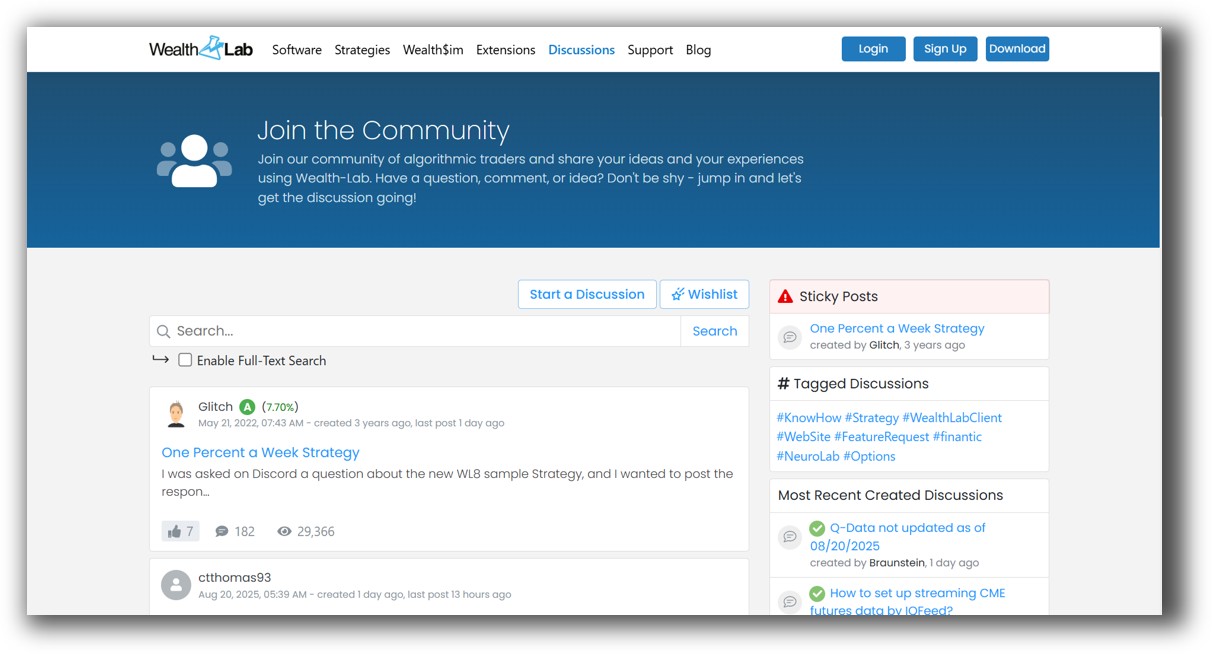
Wealth-Lab Forum Front Page is illustrated down below:
Optuma Forum Front Page is illustrated down below:

Wealth-Lab VS Optuma: Which One Should You Use?
Wealth-Lab is better for systematic traders.
If you’re serious about designing, testing, and executing systematic strategies efficiently, Wealth-Lab gives you the essential tools at a more accessible price. Its backtesting engine is more realistic, and its strategy development environment is more flexible.
Optuma is visually stunning, but that doesn’t help you trade profitably unless you can also test and execute with confidence.
Our Recommendation
If you’re an analytical thinker looking for true consistency and control, you need a platform that allows full system design, portfolio testing, and realistic assumptions. Between these two, Wealth-Lab is the clear choice.
But if you’re looking to take your trading to the next level with more clarity, less noise, and proven systems – the software is just one part of the puzzle.
Want The Rest of the Puzzle?
Backtesting software is just one piece. The real transformation happens when you align your tools, your systems, and your psychology with your goals.
If you’re tired of chasing tips and want to build wealth systematically, the next step is clear: The Trader Success System.
Inside, you’ll discover:
- Proven trading systems
- A step-by-step backtesting framework
- Position sizing tools
- Automation strategies that let you trade in 30 minutes or less
Trading and Backtesting Software Review List
- RealTest vs Amibroker
- RealTest VS TradeStation
- RealTest VS NinjaTrader
- RealTest VS MultiCharts
- RealTest VS Wealth-Lab
- RealTest VS Beyond Charts
- RealTest VS Optuma
- RealTest VS TradingView
- RealTest VS MetaTrader 4 (MT4)
- RealTest VS MetaTrader 5 (MT5)
- AmiBroker VS TradeStation
- AmiBroker VS NinjaTrader
- AmiBroker VS MultiCharts
- AmiBroker VS Wealth-Lab
- AmiBroker VS Beyond Charts
- AmiBroker VS Optuma
- AmiBroker VS TradingView
- AmiBroker VS MetaTrader 4 (MT4)
- AmiBroker VS MetaTrader 5 (MT5)
- TradeStation VS NinjaTrader
- TradeStation VS MultiCharts
- TradeStation VS Wealth-Lab
- TradeStation VS Beyond Charts
- TradeStation VS Optuma
- TradeStation VS TradingView
- TradeStation VS MetaTrader 4 (MT4)
- TradeStation VS MetaTrader 5 (MT5)
- NinjaTrader VS MultiCharts
- NinjaTrader VS Wealth-Lab
- NinjaTrader VS Beyond Charts
- NinjaTrader VS Optuma
- NinjaTrader VS TradingView
- NinjaTrader VS MetaTrader 4 (MT4)
- NinjaTrader VS MetaTrader 5 (MT5)
- MultiCharts VS Wealth-Lab
- MultiCharts VS Beyond Charts
- MultiCharts VS Optuma
- MultiCharts VS TradingView
- MultiCharts VS MetaTrader 4 (MT4)
- MultiCharts VS MetaTrader 5 (MT5)
- Wealth-Lab VS Beyond Charts
- Wealth-Lab VS Optuma
- Wealth-Lab VS TradingView
- Wealth-Lab VS MetaTrader 4 (MT4)
- Wealth-Lab VS MetaTrader 5 (MT5)
- Beyond Charts VS Optuma
- Beyond Charts VS TradingView
- Beyond Charts VS MetaTrader 4 (MT4)
- Beyond Charts VS MetaTrader 5 (MT5)
- Optuma VS TradingView
- Optuma VS MetaTrader 4 (MT4)
- Optuma VS MetaTrader 5 (MT5)
- TradingView VS MetaTrader 4 (MT4)
- TradingView VS MetaTrader 5 (MT5)
- MetaTrader 4 (MT4) VS MetaTrader 5 (MT5)